Photo Repair
Repair damaged photos with AI: fix blur, reduce noise, remove compression artifacts, and restore image quality automatically.
About this tool
Fix blur, noise and compression damage
Photo Repair rescues images that are technically flawed: motion blur, camera shake, digital noise and the blocky artefacts left by heavy JPEG compression. It is the tool for a screenshot of a screenshot, a photo saved from a chat app, or a shaky night shot you cannot retake. The AI rebuilds detail while keeping the photo looking like a photo.
Four repair modes appear on the page: General Repair for mixed problems, Unblur for shake and motion blur, Denoise for grain and compression, and Enhance for adding crisp detail. The image model is told not to over-sharpen or create an artificial look. You get a full-size PNG, shown beside the original in a slider.
Example
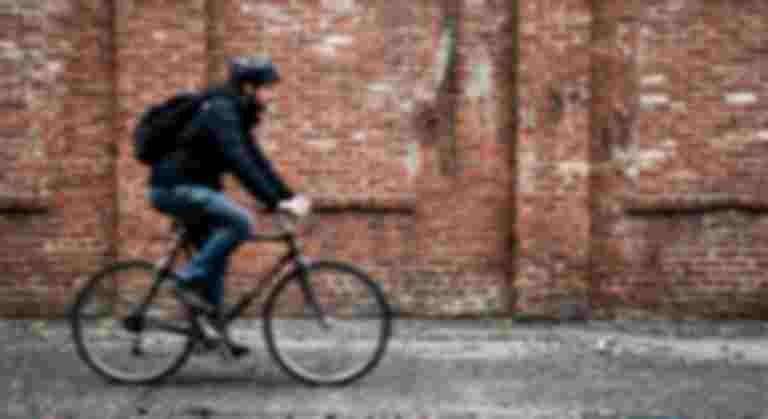
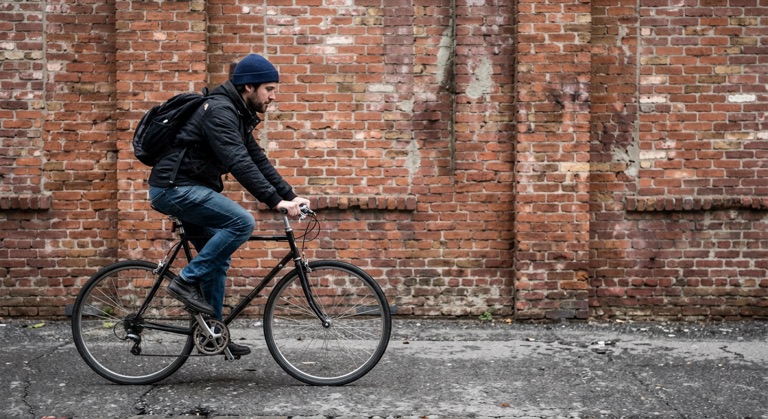
Restore. The before photo is AI-generated and degraded, standing in for an upload. The result is unedited tool output, November 2026.
Use it for
- Shaky handheld shots: Reduce motion blur on a photo you only had one chance to take.
- Messaging-app downloads: Remove the compression artefacts added by WhatsApp, Messenger and email.
- Grainy night photos: Clean up noise from high ISO shots without smearing the detail.
How it works
- Upload a PNG, JPG or WebP up to 10MB.
- Choose General Repair, Unblur, Denoise or Enhance.
- Click Repair and compare the result with the original.
- Download the repaired PNG or save it to your gallery.
2 credits per run. Credits never expire.
Questions
What does Photo Repair cost?
Two credits per image. Credits are deducted after a successful run and never expire.
How is this different from Enhance Image?
Enhance polishes a sound photo. Photo Repair targets defects such as blur, shake, noise and compression damage.
Can it fix a very blurry photo?
It improves mild to moderate blur. If the subject is unrecognisable, the AI has little to work with and results vary.
What is the size limit?
PNG, JPG or WebP up to 10MB. The result downloads as a PNG.