Photo Repair · 2 credits
Make a blurry photo clear
Fix motion blur, camera shake, noise and JPEG artifacts with AI. Photo Repair rebuilds detail without over-sharpening. 2 credits per photo.
A shaky night shot, a moving child, a picture saved from a group chat: some photos can't be retaken. Photo Repair's Unblur mode targets camera shake and motion blur, and rebuilds edge detail while keeping the image looking like a photograph rather than an over-sharpened filter.
For grain and compression blocks, switch to Denoise; for a mix of problems, General Repair handles them together. The result appears beside the original so you can judge it before downloading.
Example
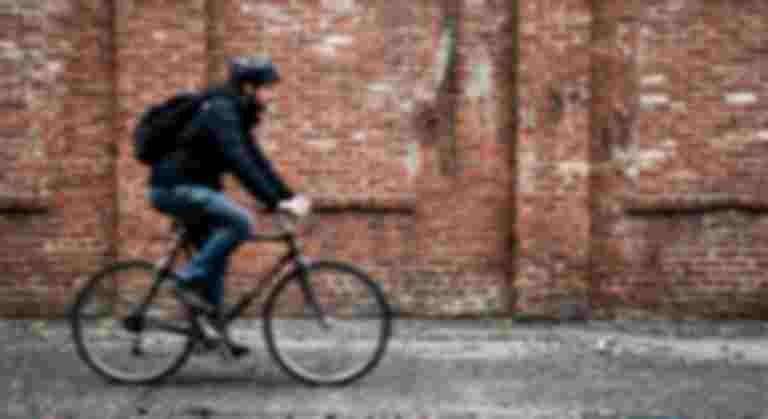
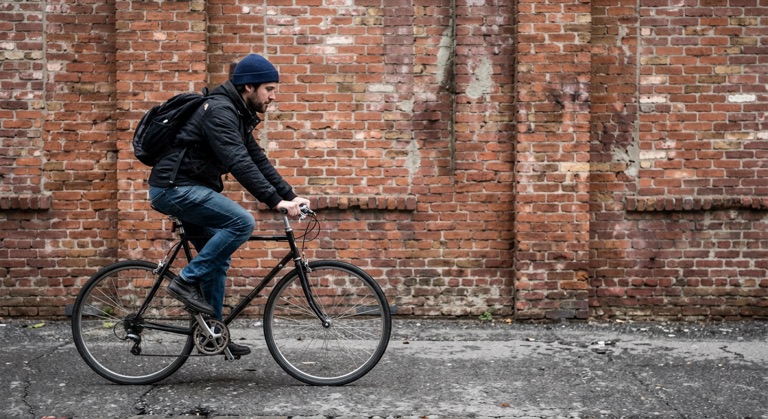
Restore. The before photo is AI-generated and degraded, standing in for an upload. The result is unedited tool output, November 2026.
How to do it
- Upload the photo to Photo Repair (PNG, JPG or WebP, up to 10MB).
- Choose Unblur for shake and motion, or General Repair for mixed problems.
- Compare the result in the before-and-after slider.
- Download the PNG, then Upscale it if you need it larger.
Tips
- Mild to moderate blur responds best; an unrecognizable subject gives the AI little to work with.
- Use the original file, not a screenshot of it.
- For a sound photo that just needs polish, Enhance (1 credit) may be enough.
2 credits per run. New accounts get 10 free credits; after that, credit packs start at $5 and never expire.
Questions
Can it fix any blurry photo?
It improves mild to moderate blur well. Heavy blur where the subject can't be made out has limited detail to recover.
Will faces change?
The model is told not to create an artificial look, but it does reconstruct detail. Check faces carefully on heavily blurred photos.
What does it cost?
Two credits per photo. New accounts get 10 free credits.