Remove Background · 1 credit
Cut a person out of a photo
Cut a person out of a photo with AI, keeping hair and soft edges. Get a transparent PNG for profile pictures, thumbnails and designs. 1 credit.
Portraits are where background removal is hardest: flyaway hair, glasses, a hand near the edge of the frame. The AI model is instructed to keep hair and fine edges intact while making everything behind the person transparent, so you can put them on a new color, a thumbnail or a team page.
Upload the photo, run it and compare the result in the slider. You get a PNG with transparency. If you want a polished studio portrait rather than a cutout, the Headshots tool rebuilds lighting and background in one go.
Example
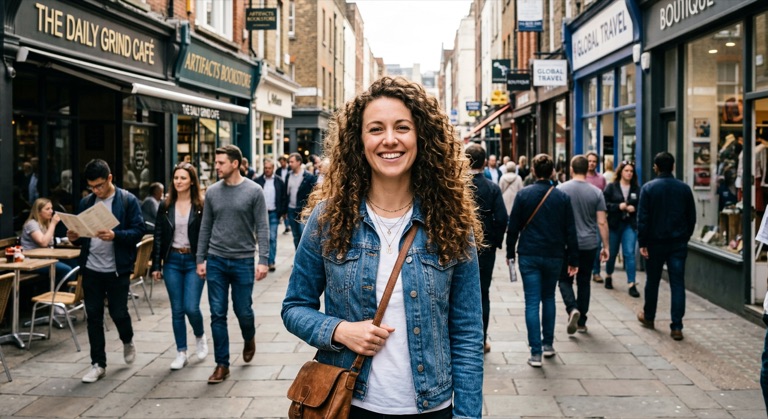

The before photo is AI-generated, standing in for an upload. The result is unedited tool output, November 2026.
How to do it
- Pick a photo where the person is in focus and well lit.
- Upload it to Remove Background and run it.
- Zoom in on the hair and shoulders to check the edges.
- Download the PNG and place it on any background.
Tips
- A background that contrasts with hair color gives the cleanest result.
- Motion blur and very thin strands may need a second pass.
- For a uniform team page, run every photo through the same tool and background color.
1 credit per run. New accounts get 10 free credits; after that, credit packs start at $5 and never expire.
Questions
Does it keep hair?
The model is told to preserve hair and fur. Very fine or motion-blurred strands can still need a second pass.
Can I add a new background?
Download the PNG and place it on any color or image, or use AI Replace to generate a new scene around the person.
What does it cost?
One credit per photo. New accounts get 10 free credits.