Remove Background · 1 credit
Remove the background from product photos
Cut products out of their background with AI and download a transparent PNG, ready for a store listing, ad or mockup. 1 credit per photo.
A clean cutout is the starting point for almost every product image: white-background listings, lifestyle composites, ads and social posts. The AI background remover separates the product from whatever it was shot on (a kitchen counter, a bedsheet, a cluttered desk) and returns a PNG with a transparent background.
There's no pen tool and no masking. Upload the photo, run it, and compare the result in a before-and-after slider. The output is sized for web listings and social posts (up to 1024 pixels on the long side). For a finished studio shot with a surface and lighting, use Product Studio instead.
Example
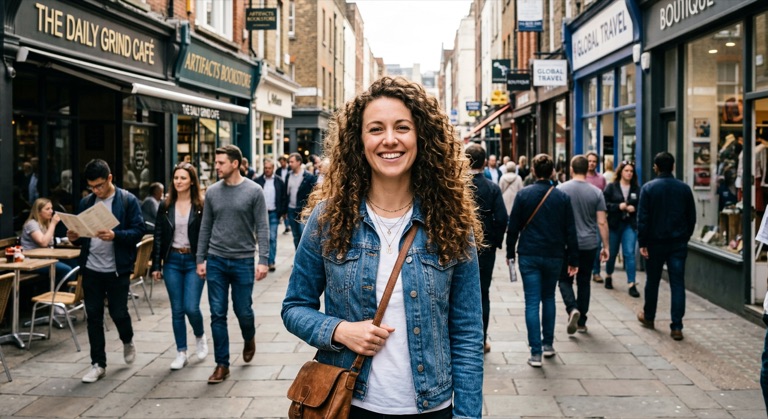

The before photo is AI-generated, standing in for an upload. The result is unedited tool output, November 2026.
How to do it
- Photograph the product in even light, filling most of the frame.
- Open Remove Background and upload the JPG, PNG or WebP (up to 10MB).
- Run the tool and check the edges in the before-and-after slider.
- Download the transparent PNG, or send it to Product Studio for a styled scene.
Tips
- Shoot against a plain surface that contrasts with the product; it makes edges cleaner.
- Avoid strong reflections on glossy packaging, which can read as background.
- Transparent and glass items are the hardest case; check the result closely.
1 credit per run. New accounts get 10 free credits; after that, credit packs start at $5 and never expire.
Questions
How much does it cost per product photo?
One credit per image. New accounts get 10 free credits, so you can cut out several products before buying a pack.
What resolution is the cutout?
Images are processed at up to 1024 pixels on the long side, which suits marketplace listings and social posts. Run the cutout through Upscale if you need it larger.
Can I get a white background instead of transparent?
Product Studio's White Studio preset gives you a finished white-background shot with lighting and soft shadow in one step.